

For organisations wishing to share map-based information with a community of users
SIS WebMap is a sophisticated yet easy-to-use web mapping application. It provides advanced capabilities for presenting and interrogating spatial data, accessed through a familiar and responsive interface.
It has been designed to run on mobile devices, tablets and PCs.
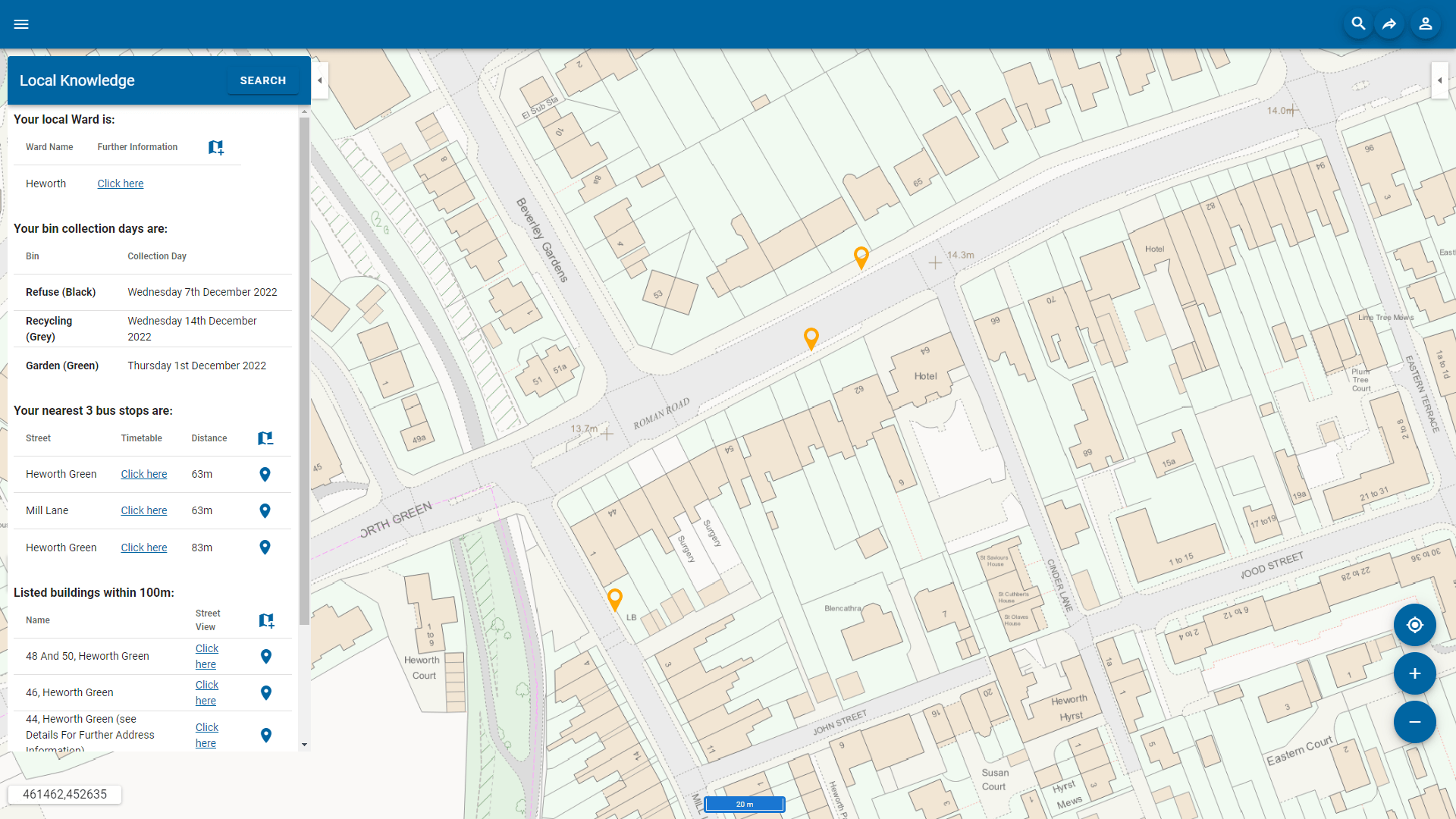

Web mapping software on all platforms
SIS WebMap features a responsive interface that adjusts the layout and functionality to the device.
On smaller screens, the application uses a simplified interface. This features finger-tap data interrogation and navigation, a Quick Search facility, and geolocation detection.
Advanced capabilities for presenting and interrogating spatial data
SIS WebMap has been designed as an easy-to-use, dynamic web mapping application with a familiar look and feel while providing the ability to run complex spatial queries.
Functionality includes map window controls, map navigation, printing, Quick Search, drawing, mobile geolocation, spatial query, and optional editing.


Search and query GIS data
Web mapping can include a number of map layers or overlays. Some map layers can be the organisation’s own business data, while other layers can be from outside the organisation, such as maps produced by a national mapping agency.
Where attribute data exists, a map layer can be considered as ‘intelligent’ and can be queried. SIS WebMap reads open data sources such as OGC WMS, WMTS, WFS, and tile cache services, together with databases and proprietary data formats managed in a SIS project.
SIS WebMap can directly consume and present spatial data in over 300 supported GIS, CAD, graphic and database formats without translation.
Book a demo
Discover how NEC Geospatial Solutions can help your organisation connect data, improve decision-making and deliver better outcomes for communities.
Extend the capabilities of SIS WebMap
Local Knowledge™
Powerful add-ins that enable users to edit data, report incidents, analyse locations and generate detailed reports directly from the map interface.